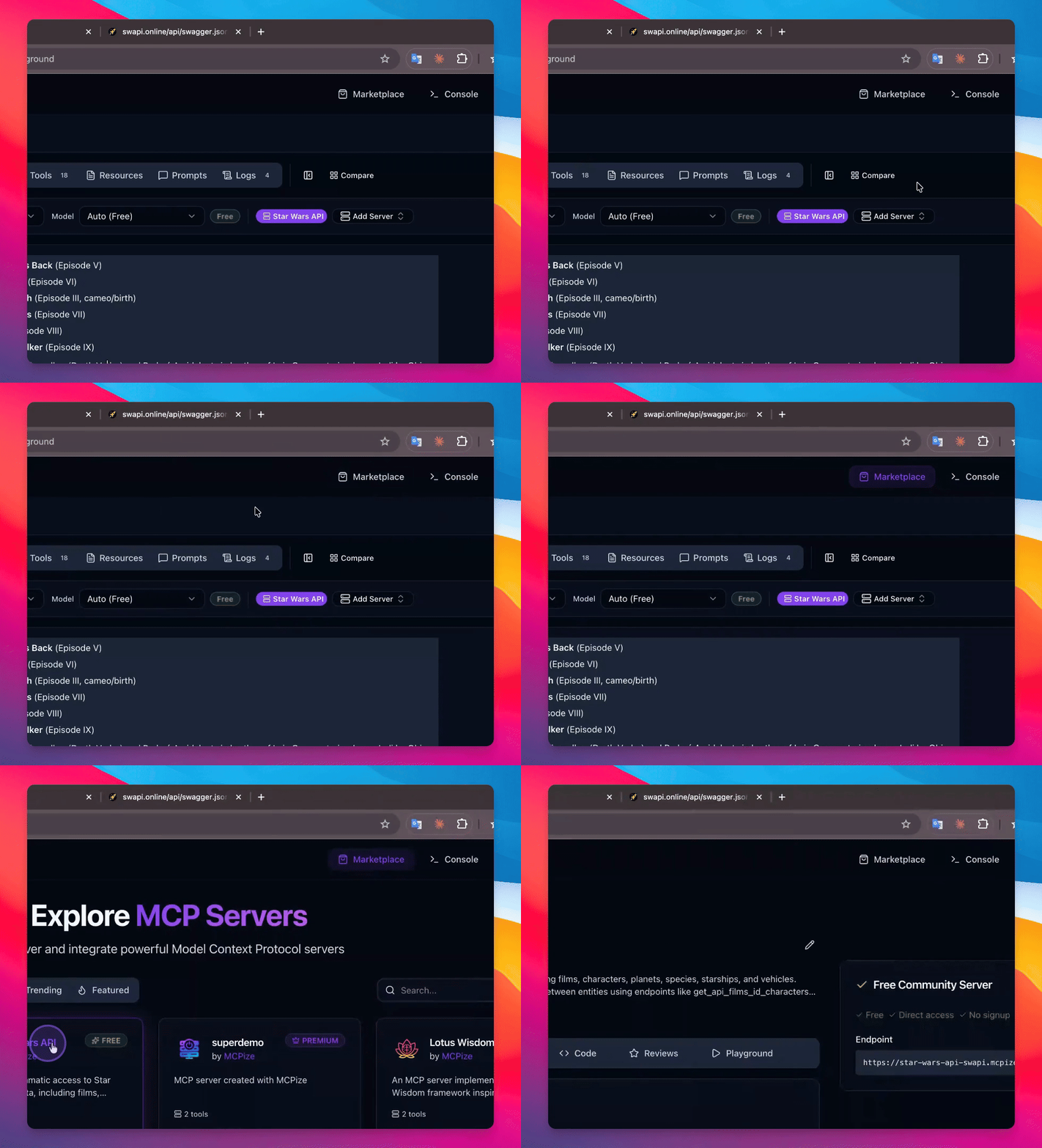

Let's do it together!
Step 1: Prepare Swagger
Obtain the Swagger JSON file specification you wish to convert.
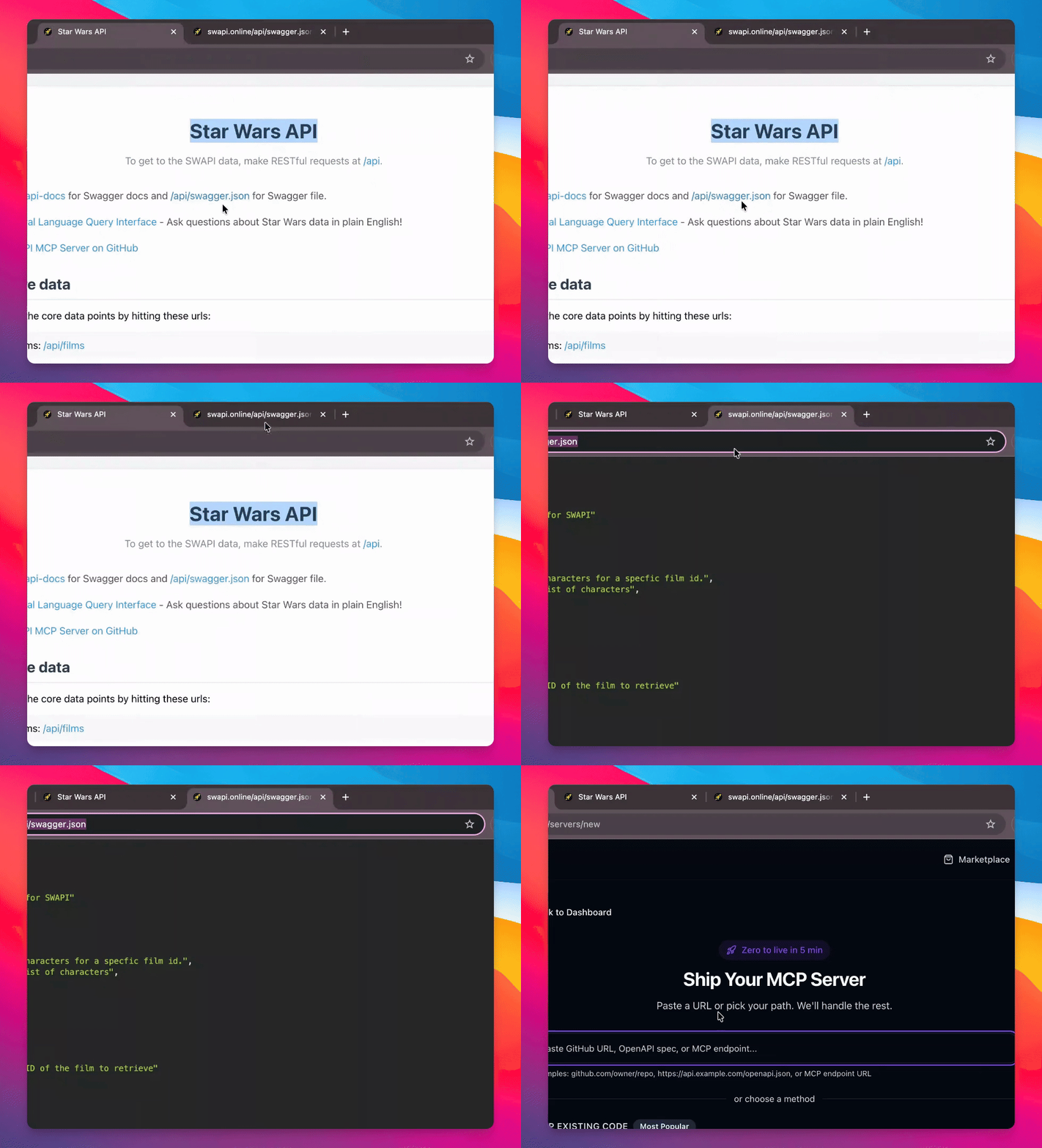
Step 2: Copy Path
Copy the path of the Swagger JSON file for use in the next steps.
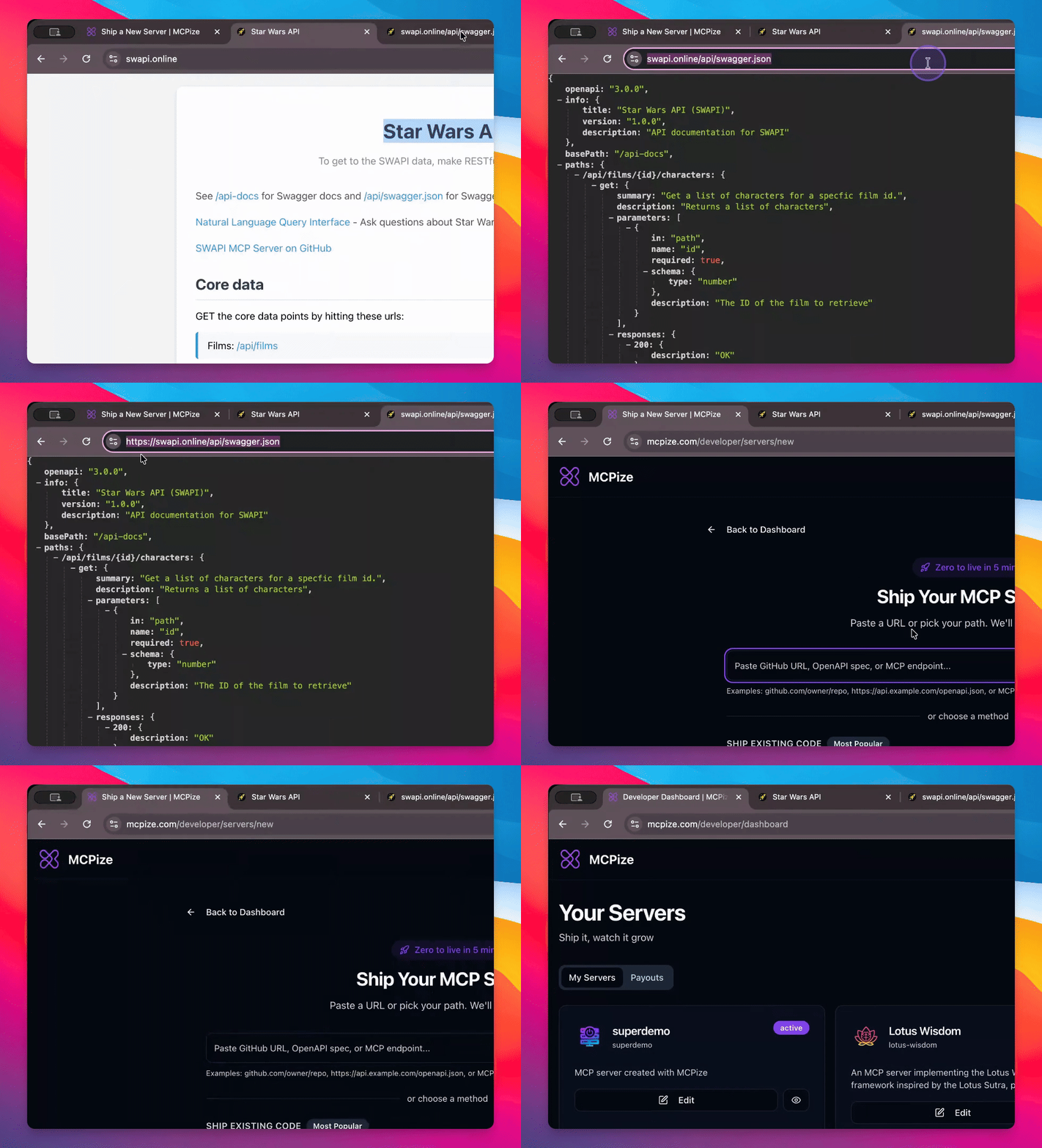
Step 3: Open Console
Go to the console and create a new server.
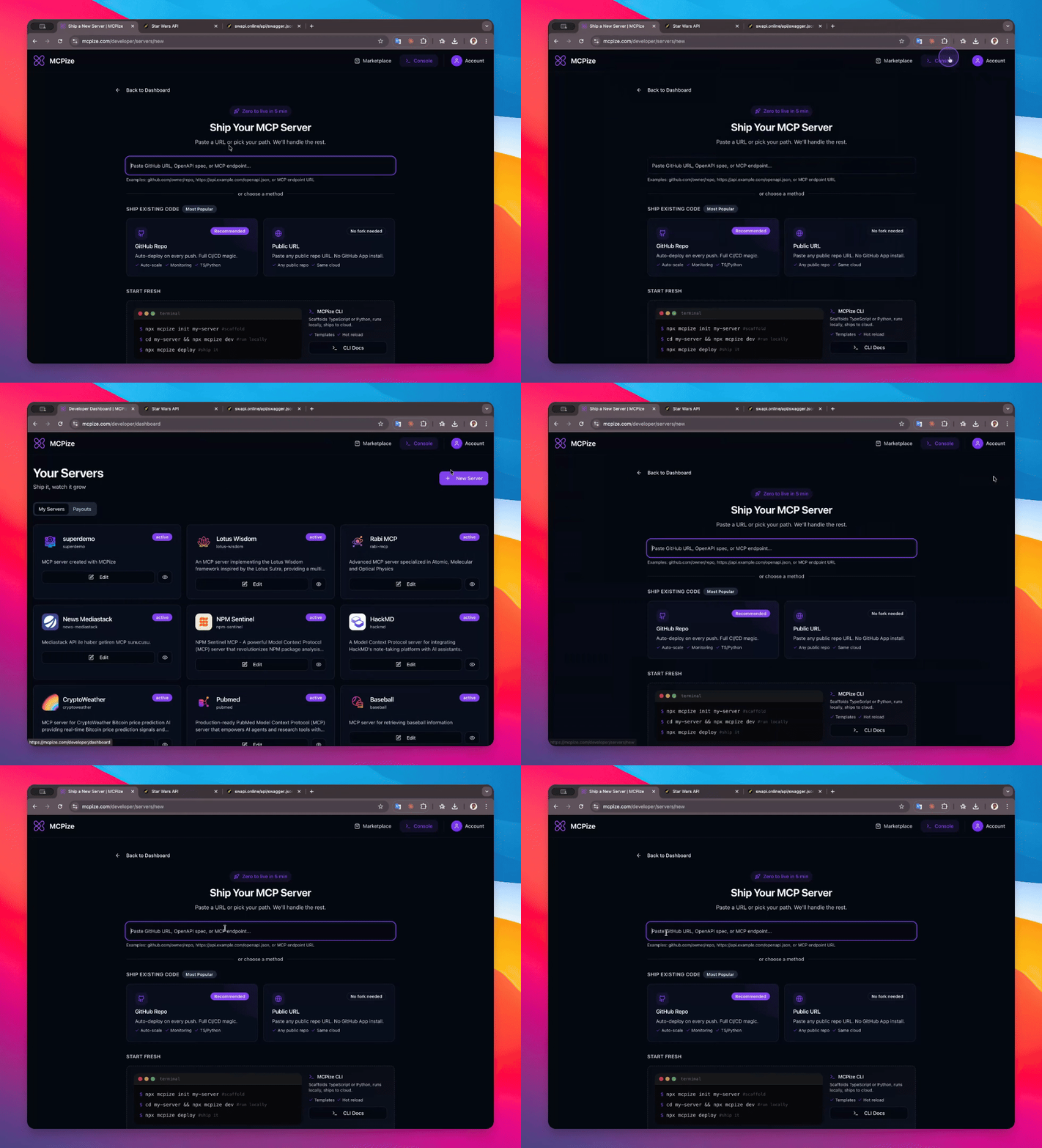
Step 4: Choose API Type
Select the option to input a Swagger, GitHub rule, OpenAPI, or MCP Pinepoint specification.
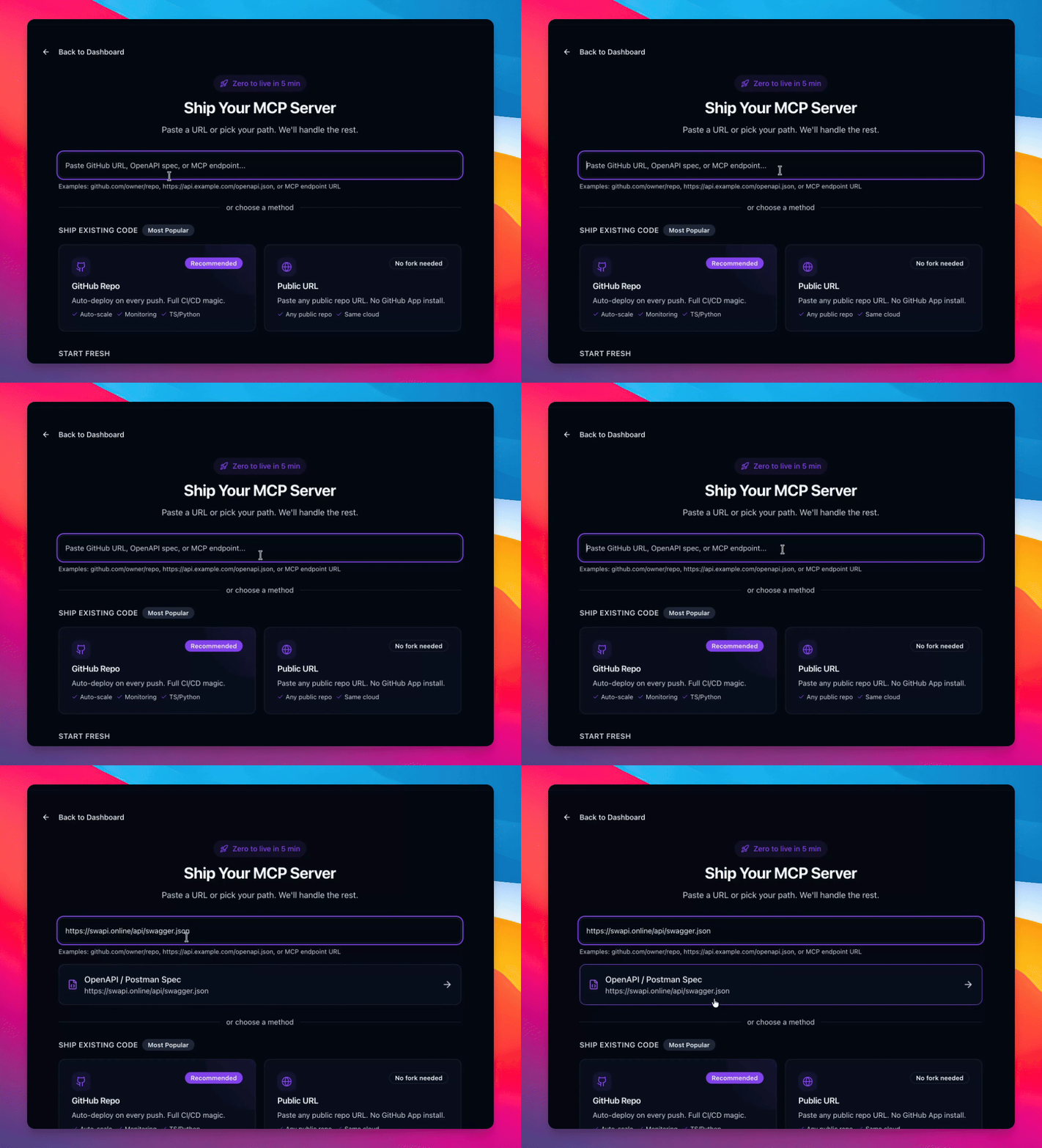
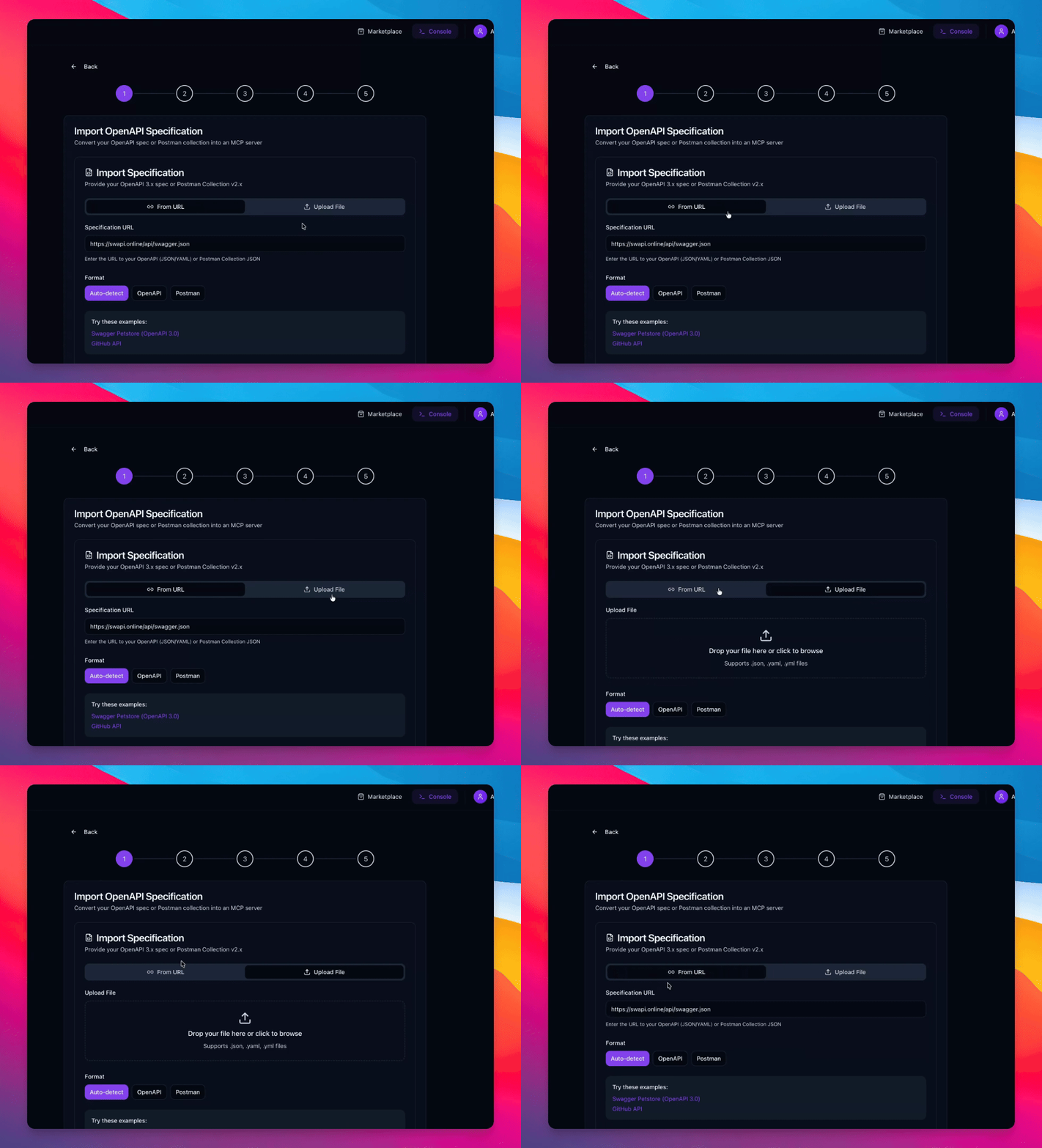
Step 5: Upload or Enter URL
Choose to input the Swagger URL address or upload the file directly. For this process, the URL address is required.
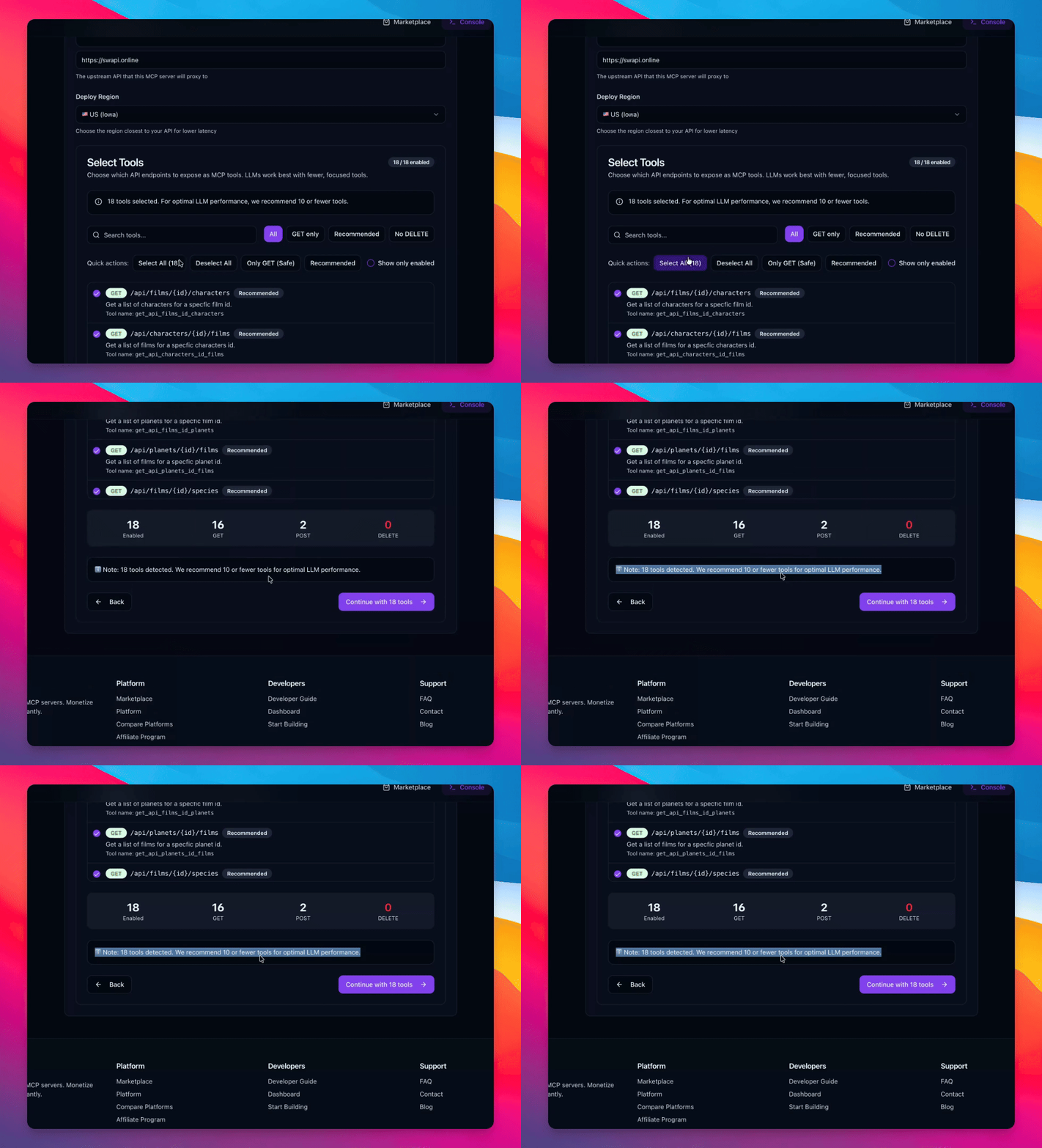
Step 6: Verify Endpoints
Confirm the detected endpoints; it shows 18 endpoints. It is suggested to have less than 10, but 18 is acceptable for deployment.
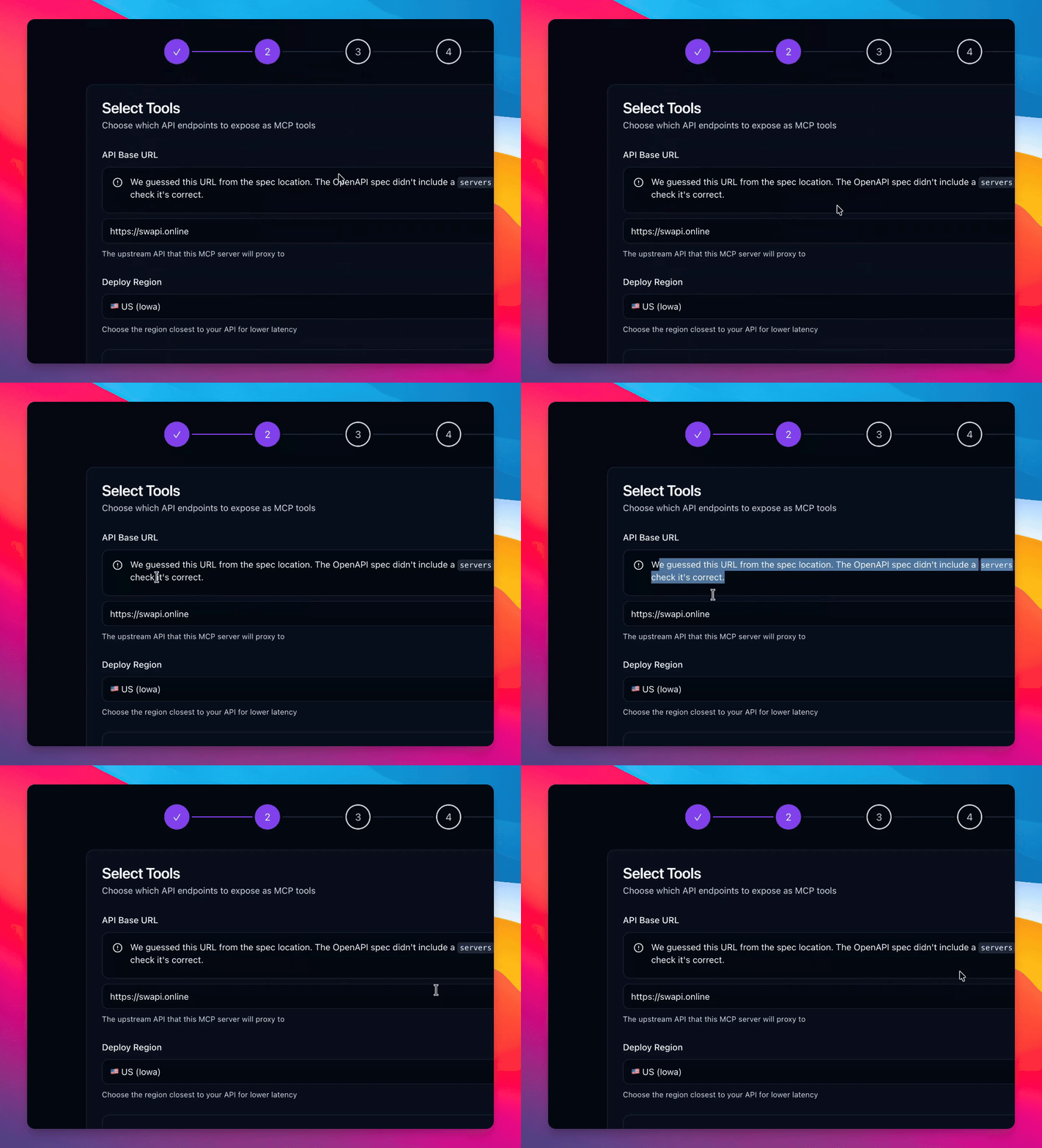
Step 7: Address Server Issues
Resolve any issues with the servers and host field as suggested.
Step 8: Select Deployment Region
Select the default deployment region, which is the US.
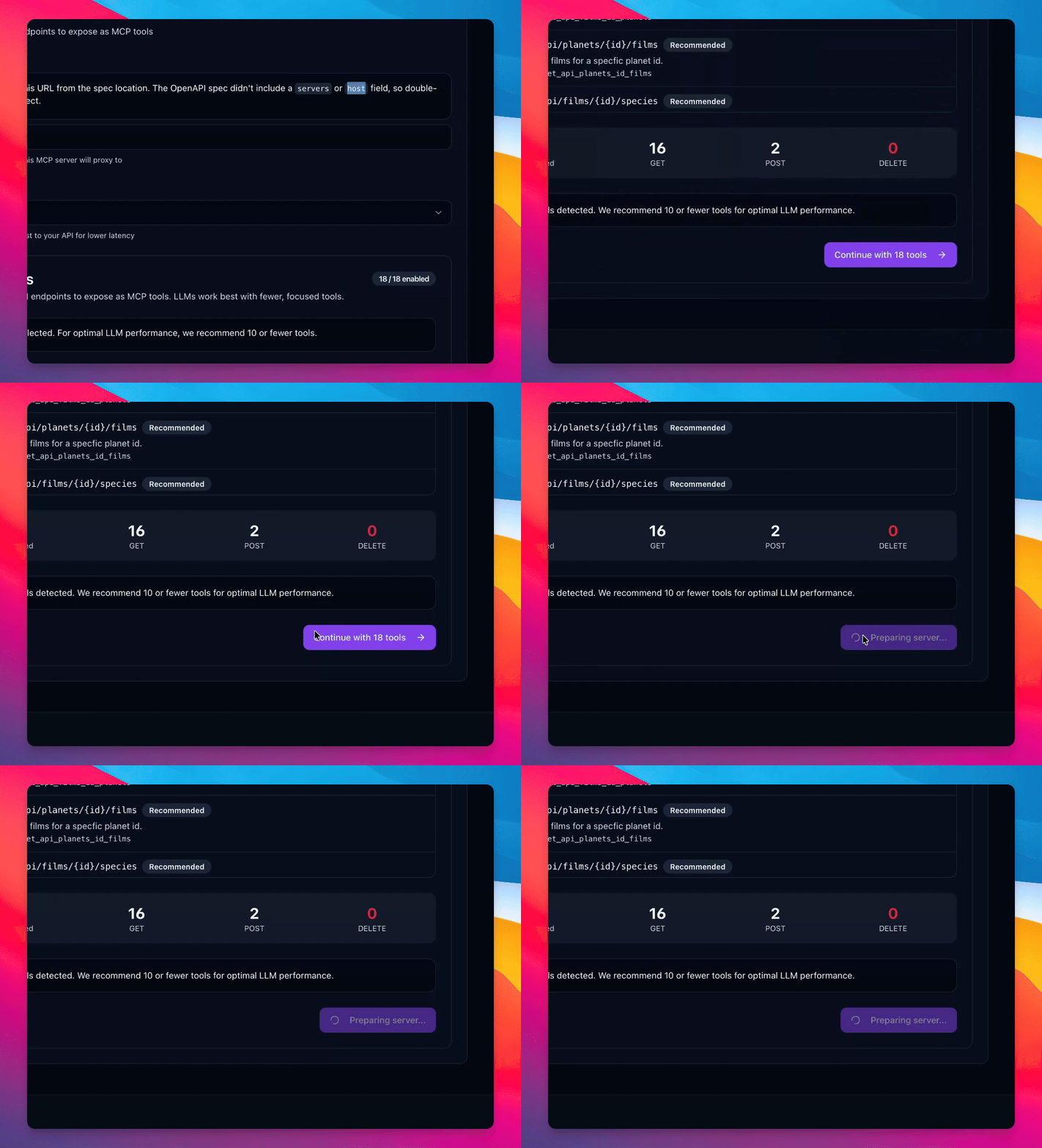
Step 9: Deploy Server
Deploy the server successfully.
Step 10: Create Subscription
Automatically create a subscription categorized under developer tools.
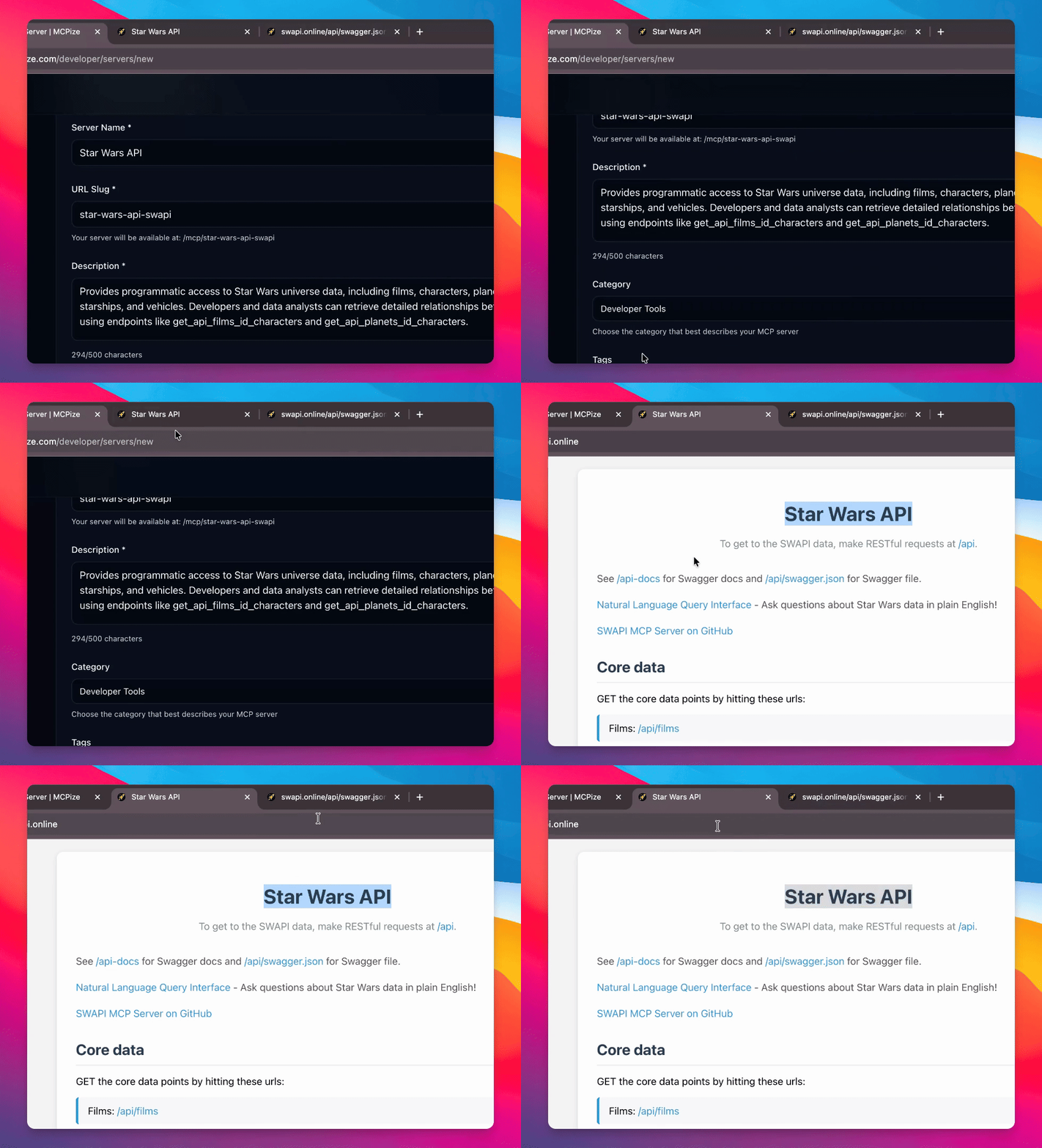
Step 11: Insert Website
Insert your website into the provided field.
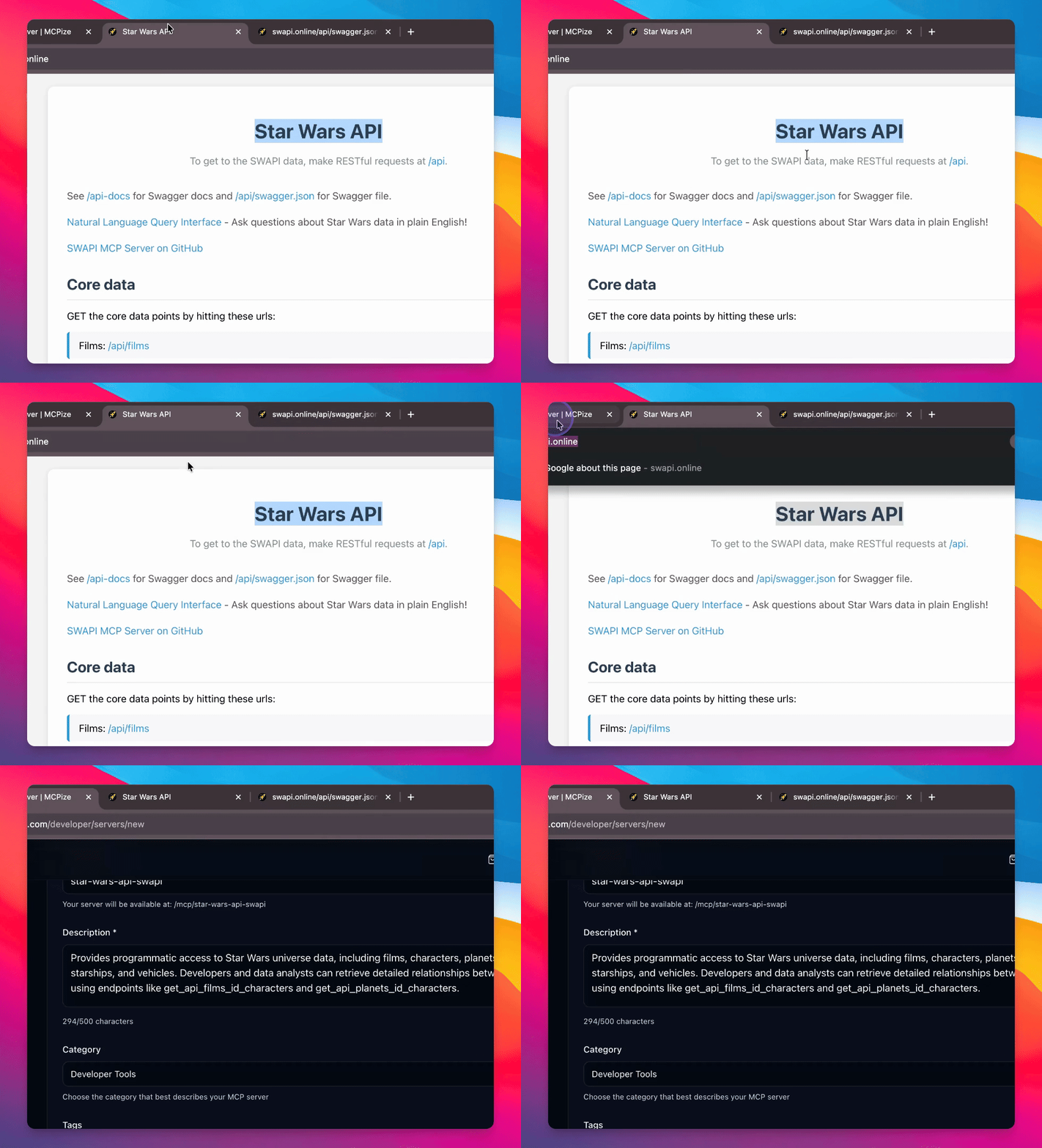
Step 12: Monitor Icon Loading
Observe the loading form icon, which will eventually display a neat icon.
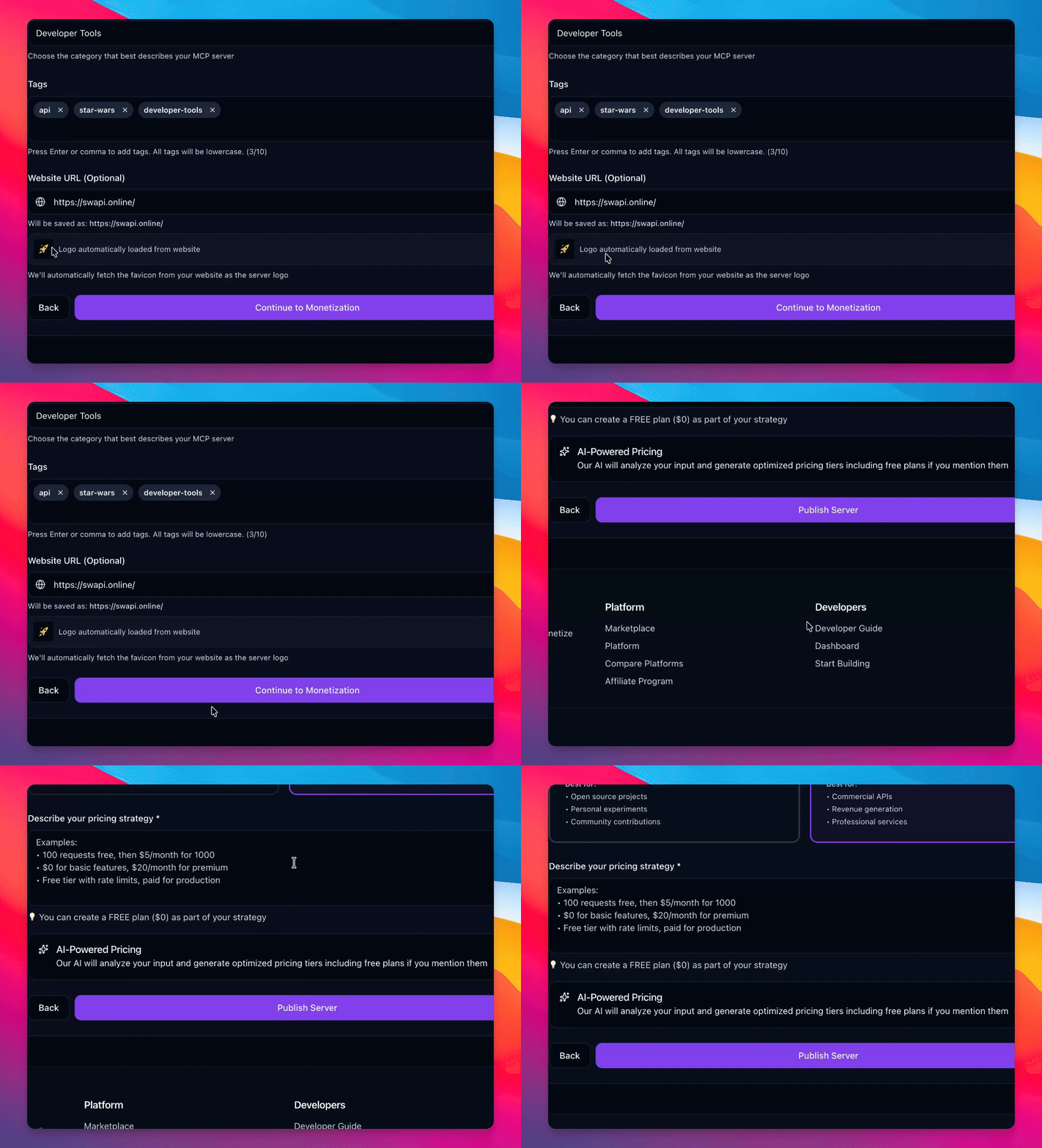
Step 13: Access Monetization
Navigate to the monetization options, which can be free or for profit.
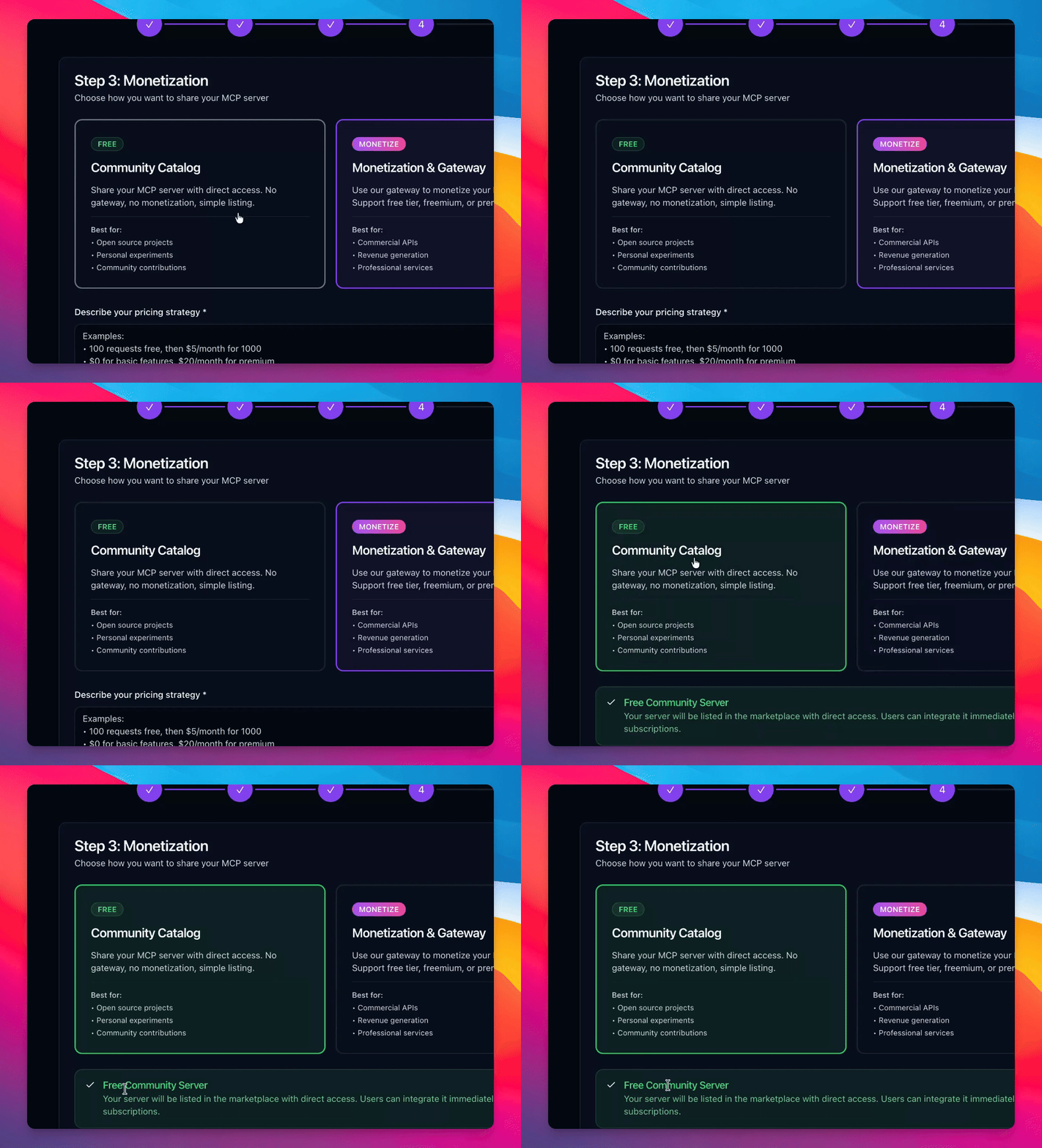
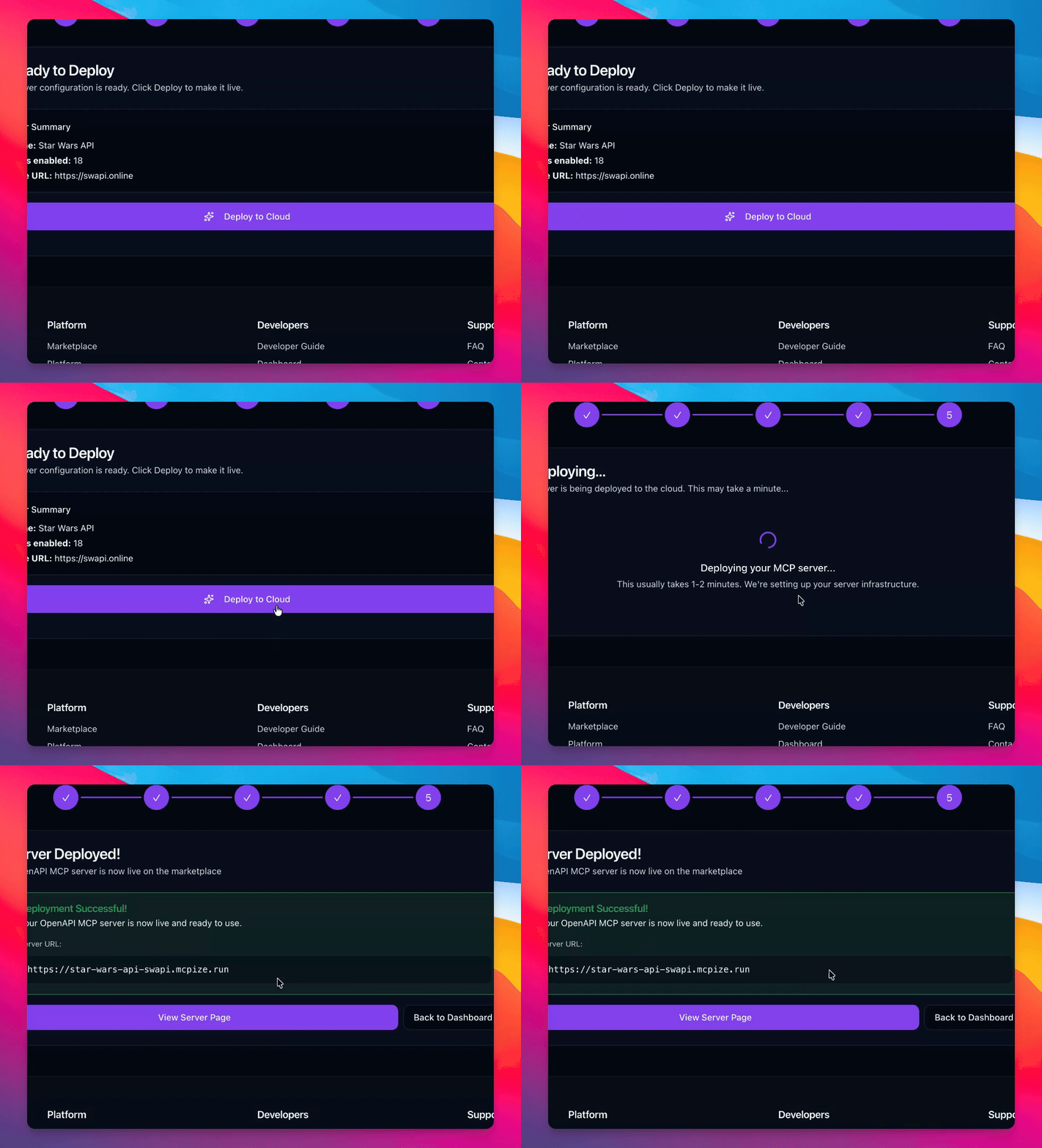
Step 14: Publish Server
Proceed to publish the server and deploy it to the cloud.
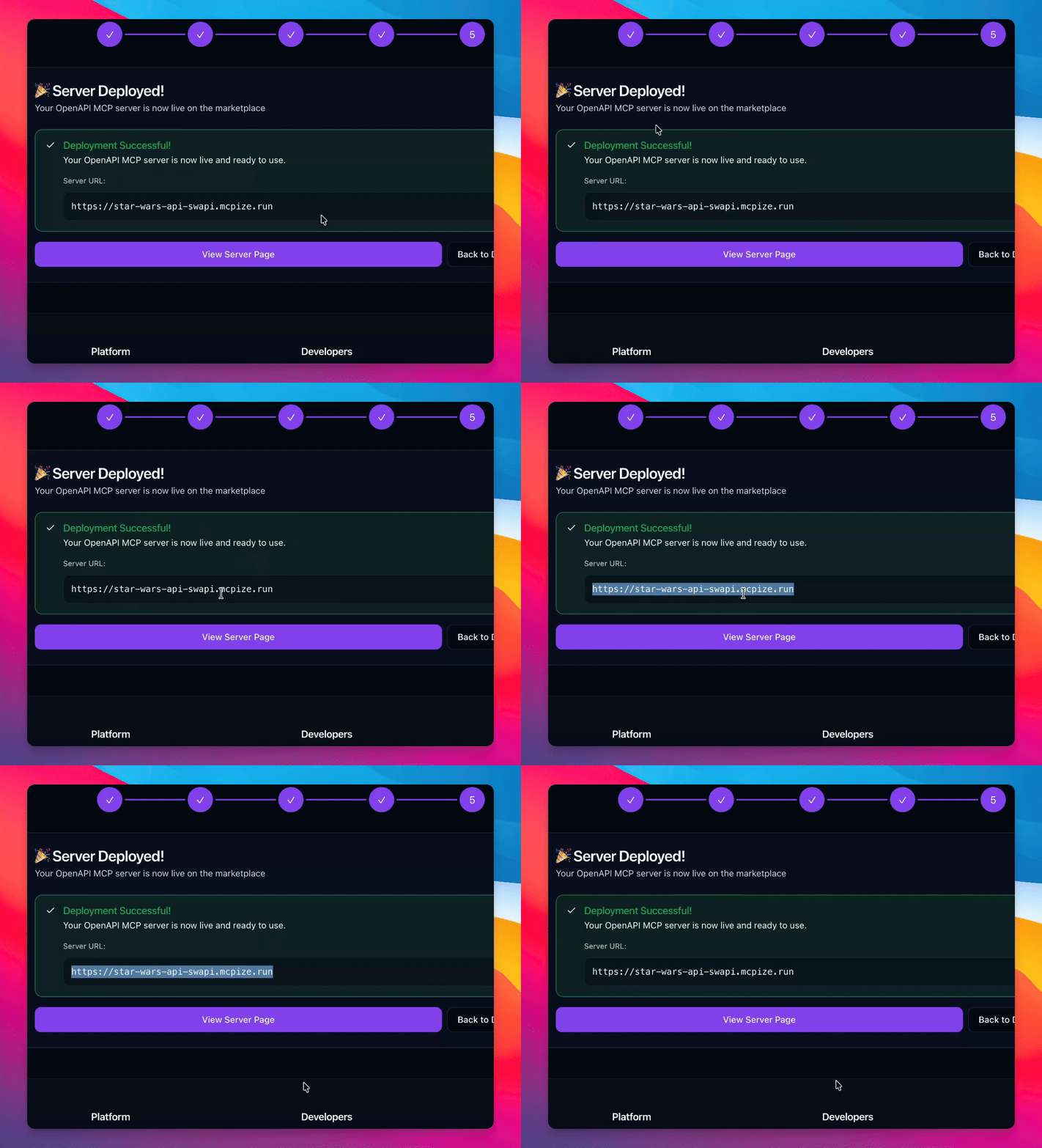
Step 15: View Server Link
Retrieve and view the amazing link generated for your server.
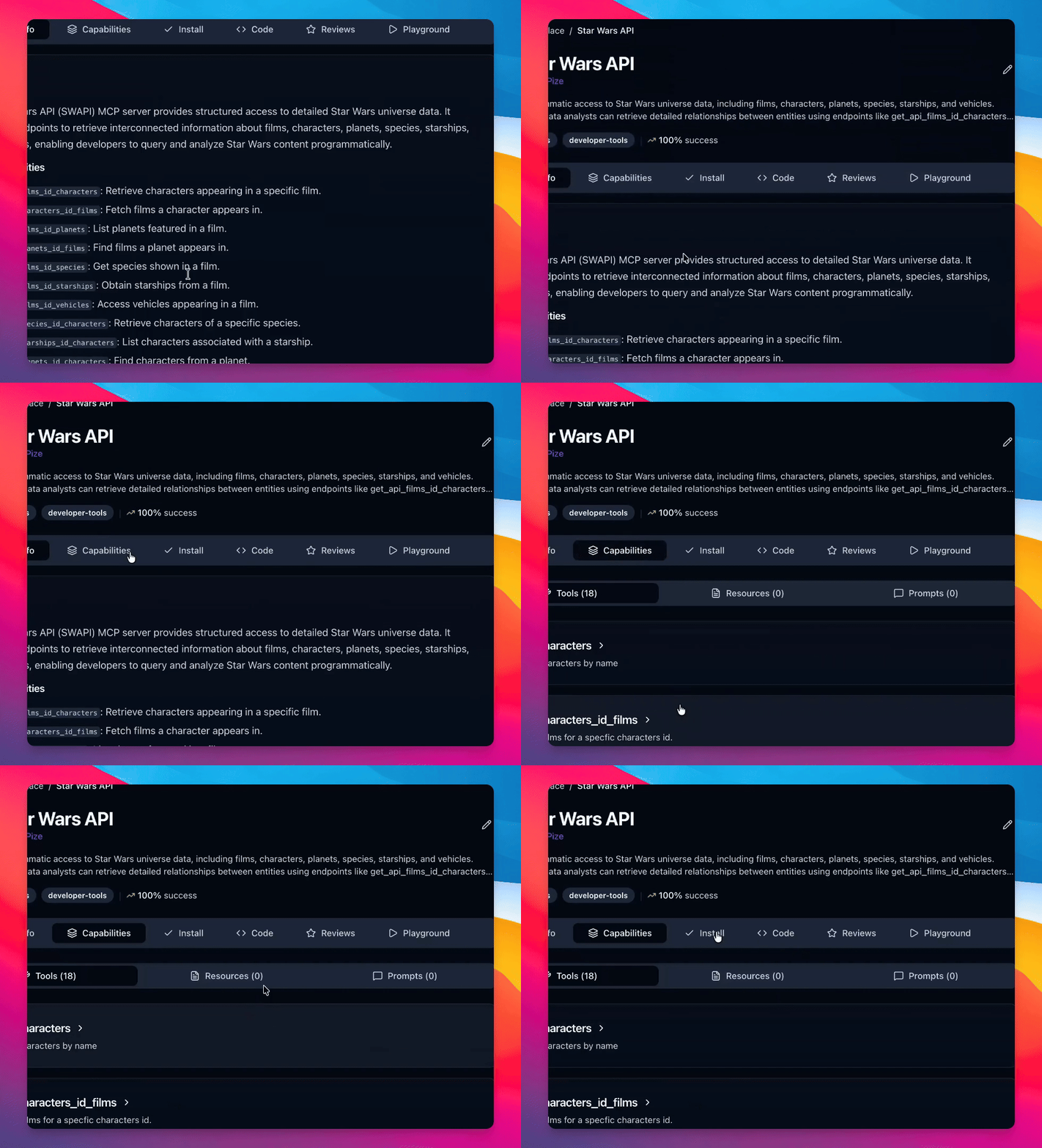
Step 16: Describe API
Fully describe your API with installation instructions and check it in the Playground.
Step 17: Test API
Use a prompt in the Playground to test your API, such as asking about Luke Skywalker.
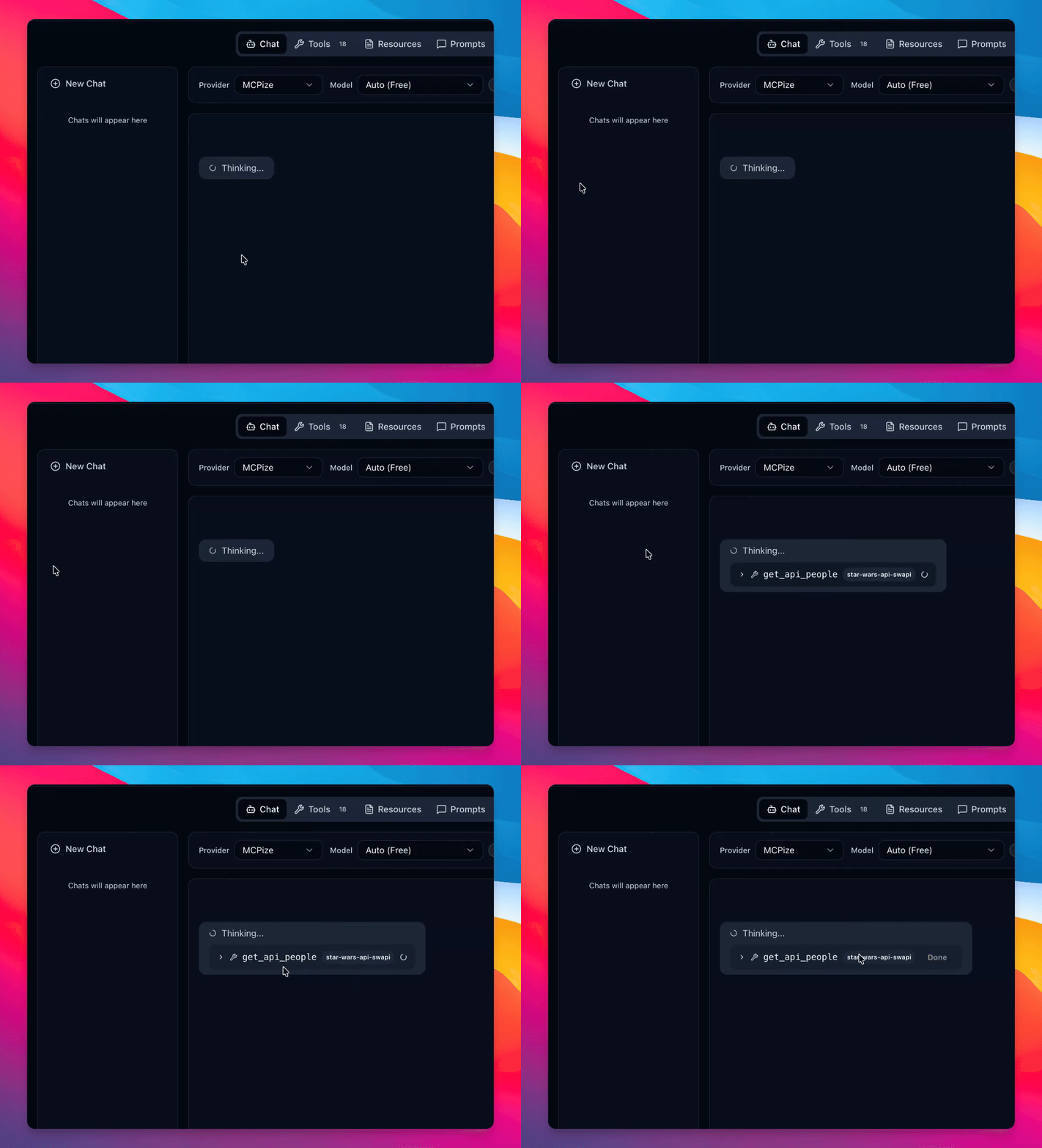
Step 18: Review API Response
Check that the API returns data in MCP format, confirming successful conversion.
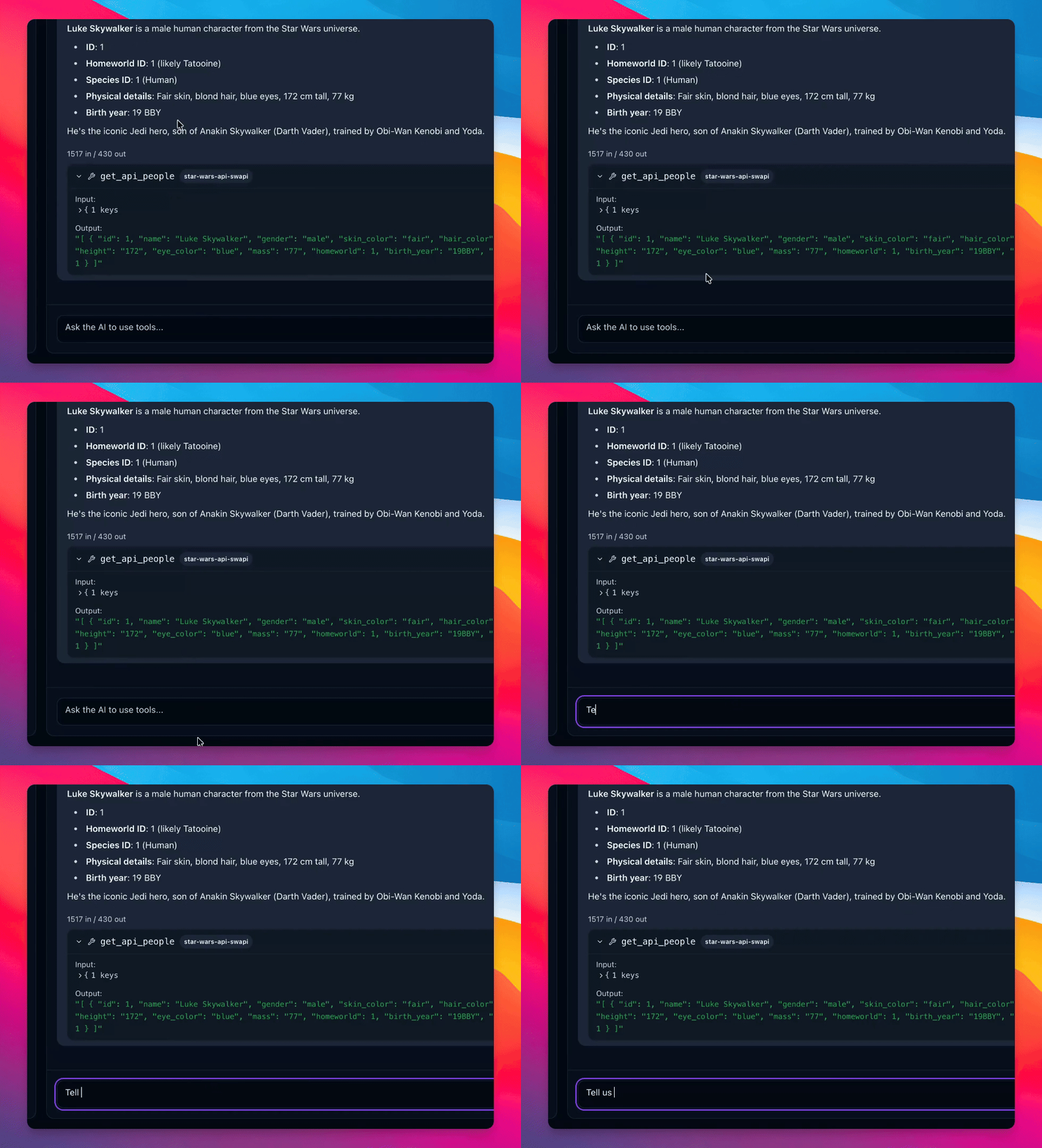
Step 19: Access Logs
Review additional MCP2 calls and logs obtained from your API.
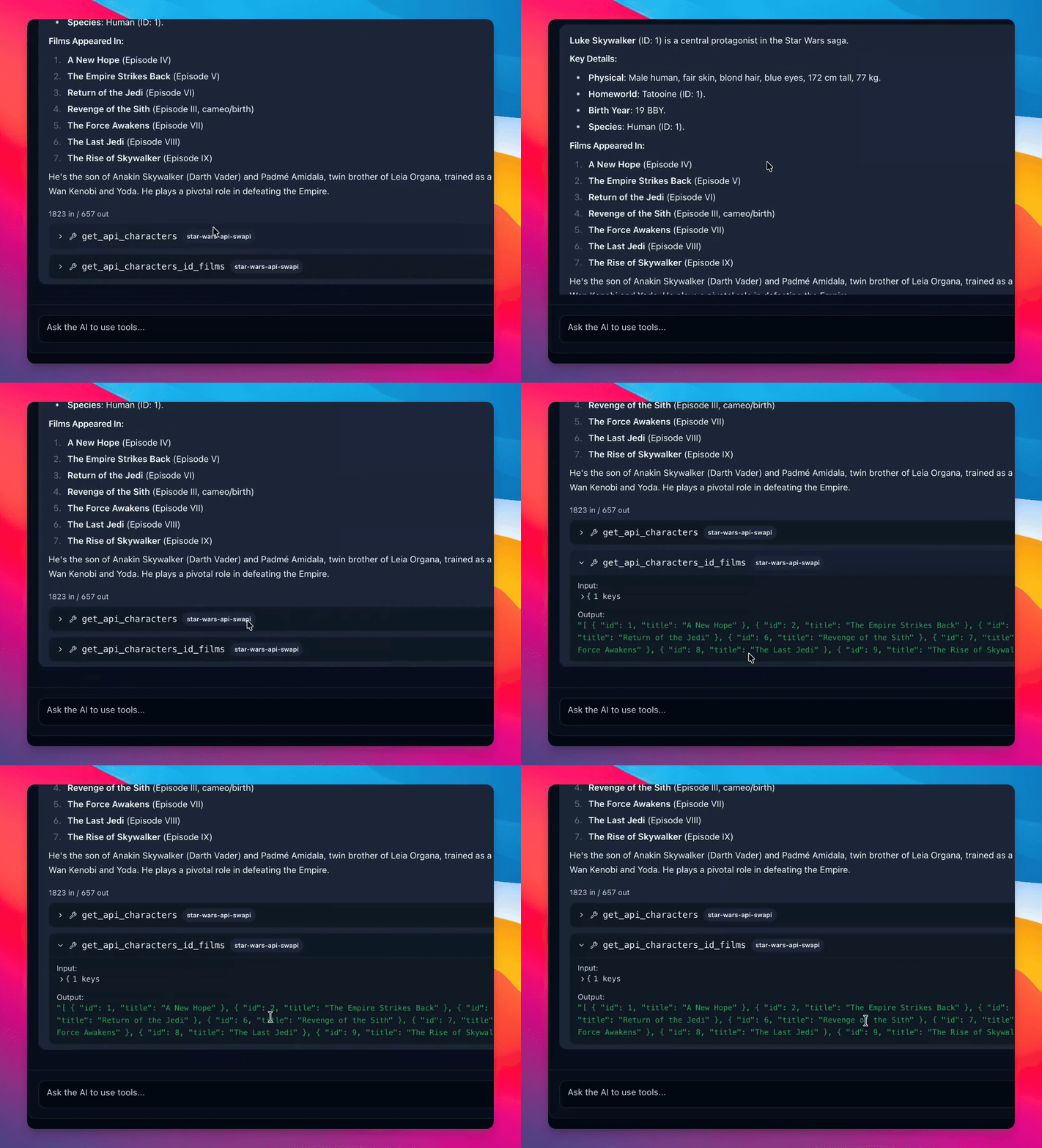
Step 20: Share API Link
Share the link to your exposed MCP API, making it accessible to others.