

Step by step guide
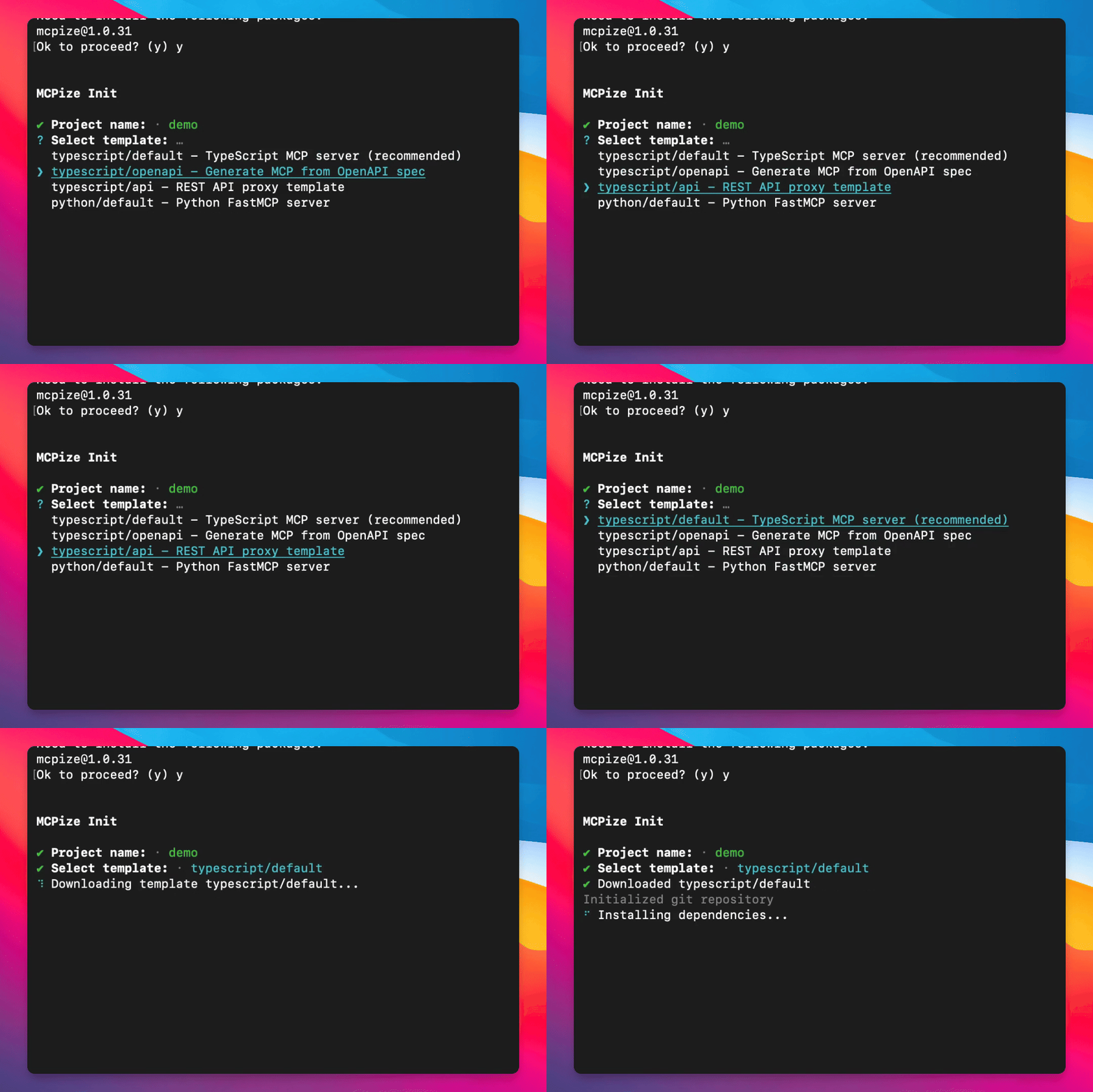
Step 1: Type Command
Type in your terminal:
npx mcpize@latest initThe command begins processing.
Step 2: Choose Project Type
Select the demo project type.
The project type is set.
Step 3: Create Default Project
Execute the command to create a default project.
The default project is created.
Step 4: Navigate to Project Directory
Go to the directory of the newly created project.
Step 5: Run the Project
Run the project in your preferred environment, such as Playground.