

Let's do it together!
Step 1: Choose Repository
Select a GitHub repository to deploy. For this tutorial, we're using a random number MCP repository.
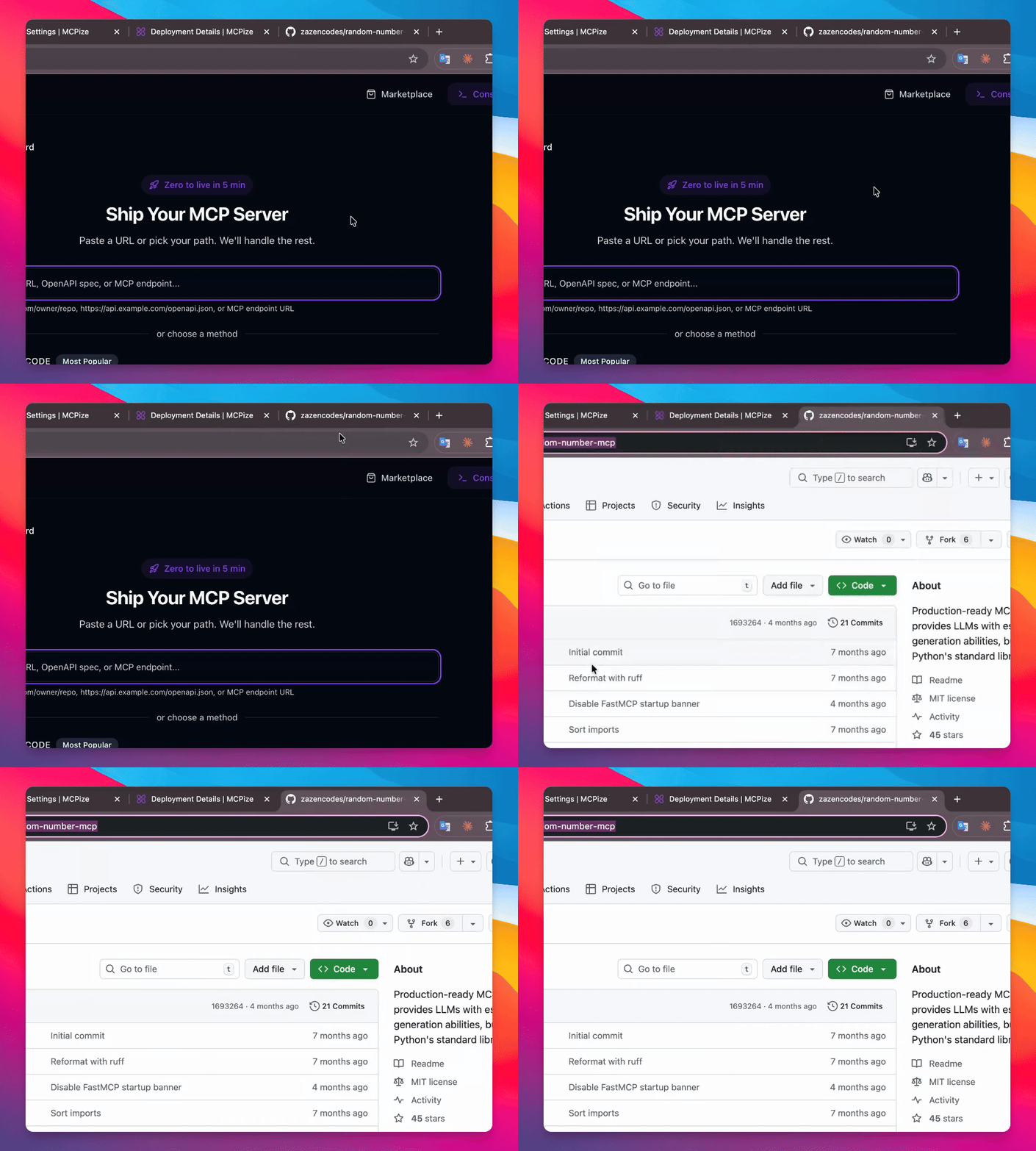
Step 2: Copy Repository Link
Copy the link to the selected GitHub repository.
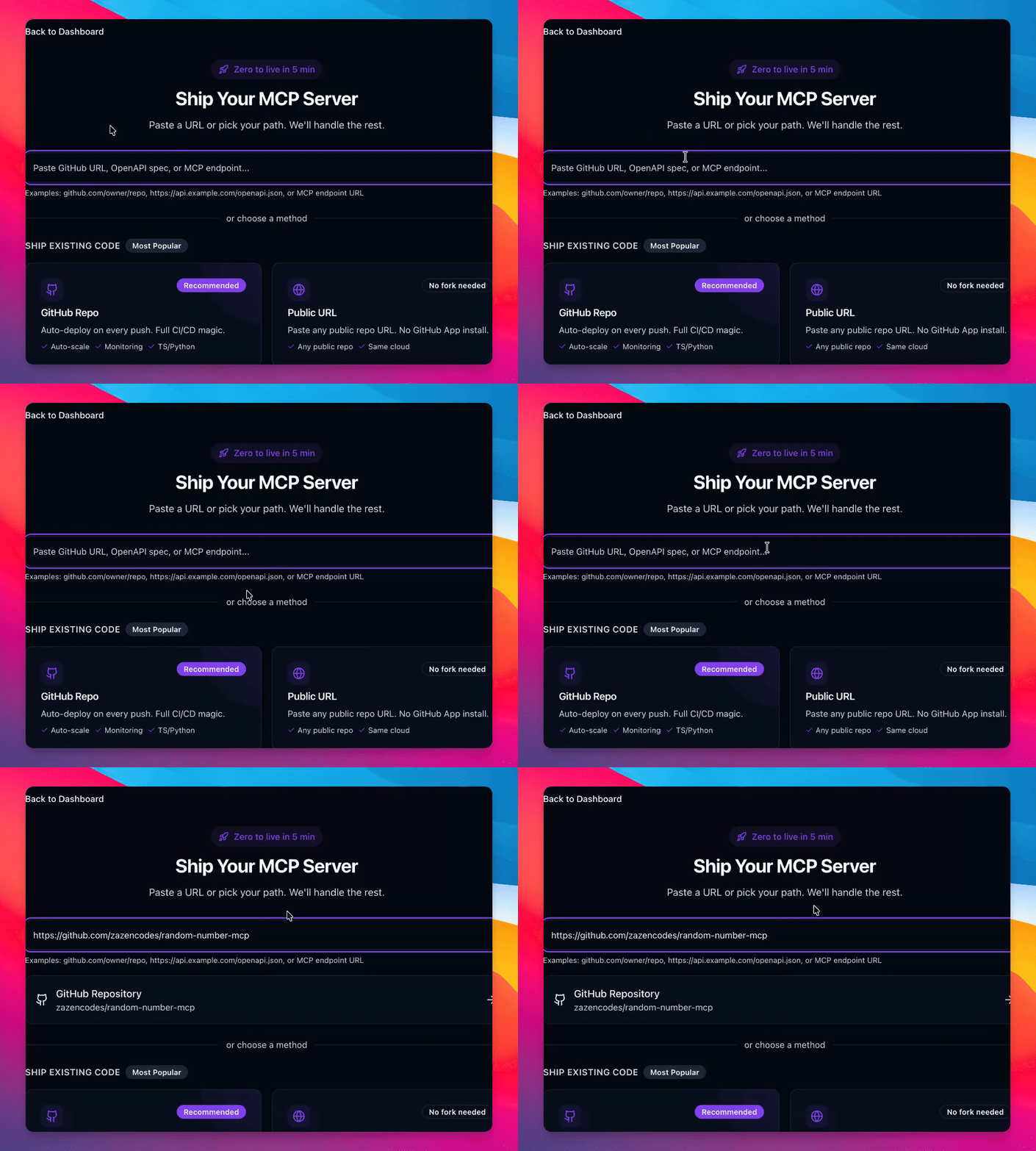
Step 3: Check Repository
Verify that the link is recognized as a GitHub repository.
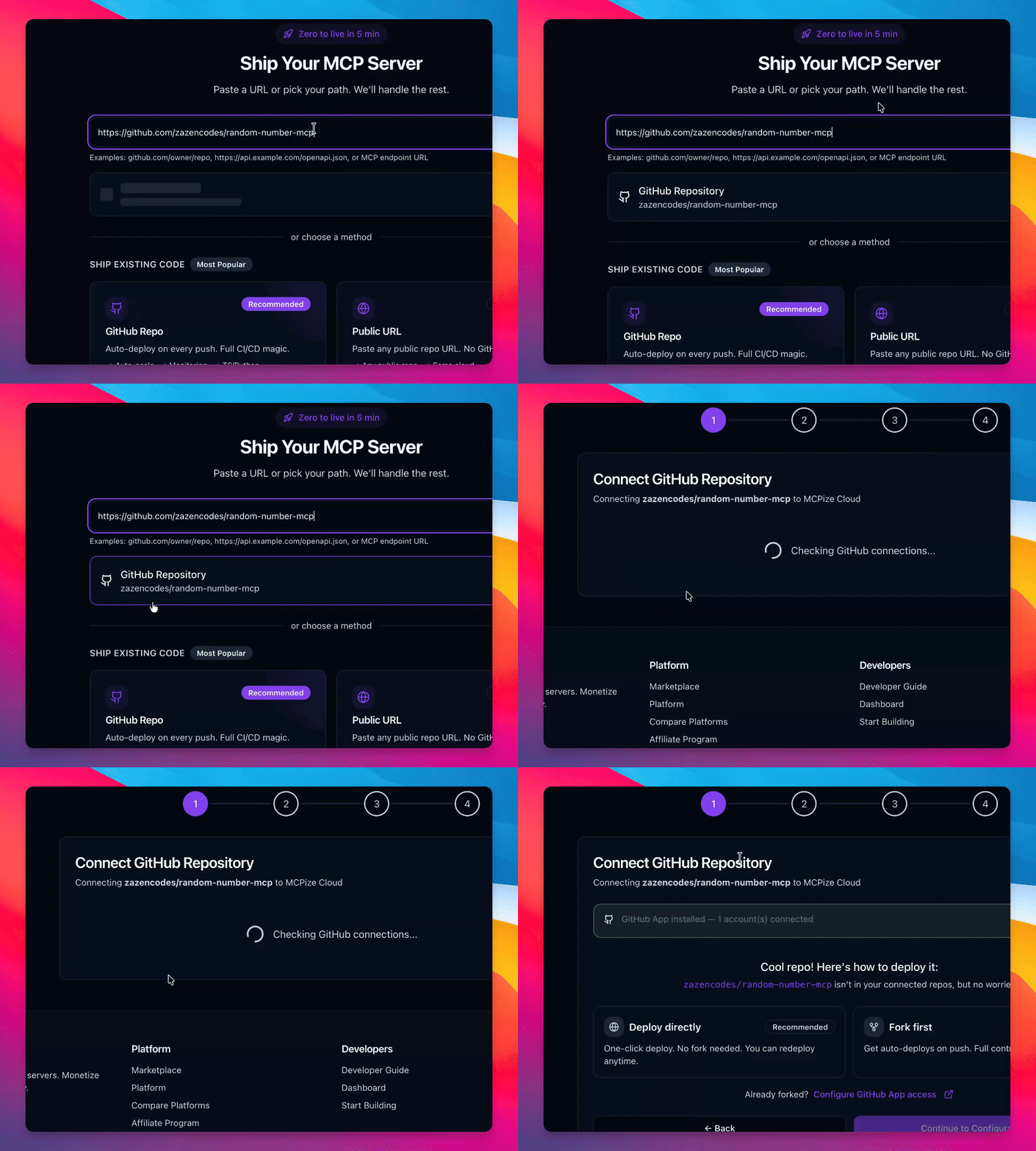
Step 4: Choose Deployment Option
Select 'Deploy Directly' option to proceed without forking the repository.
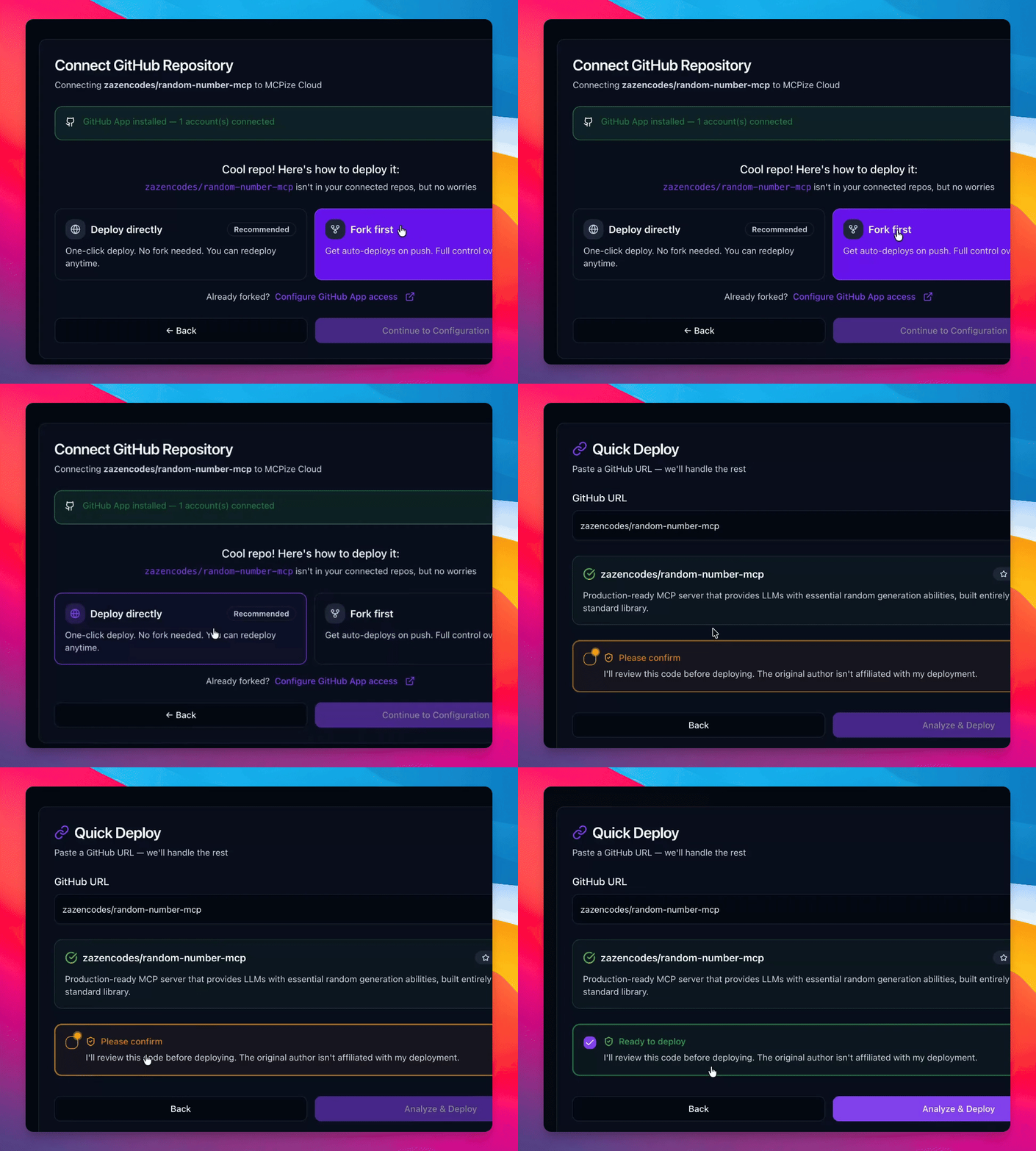
Step 5: Initiate Deployment
Click to deploy the repository directly.
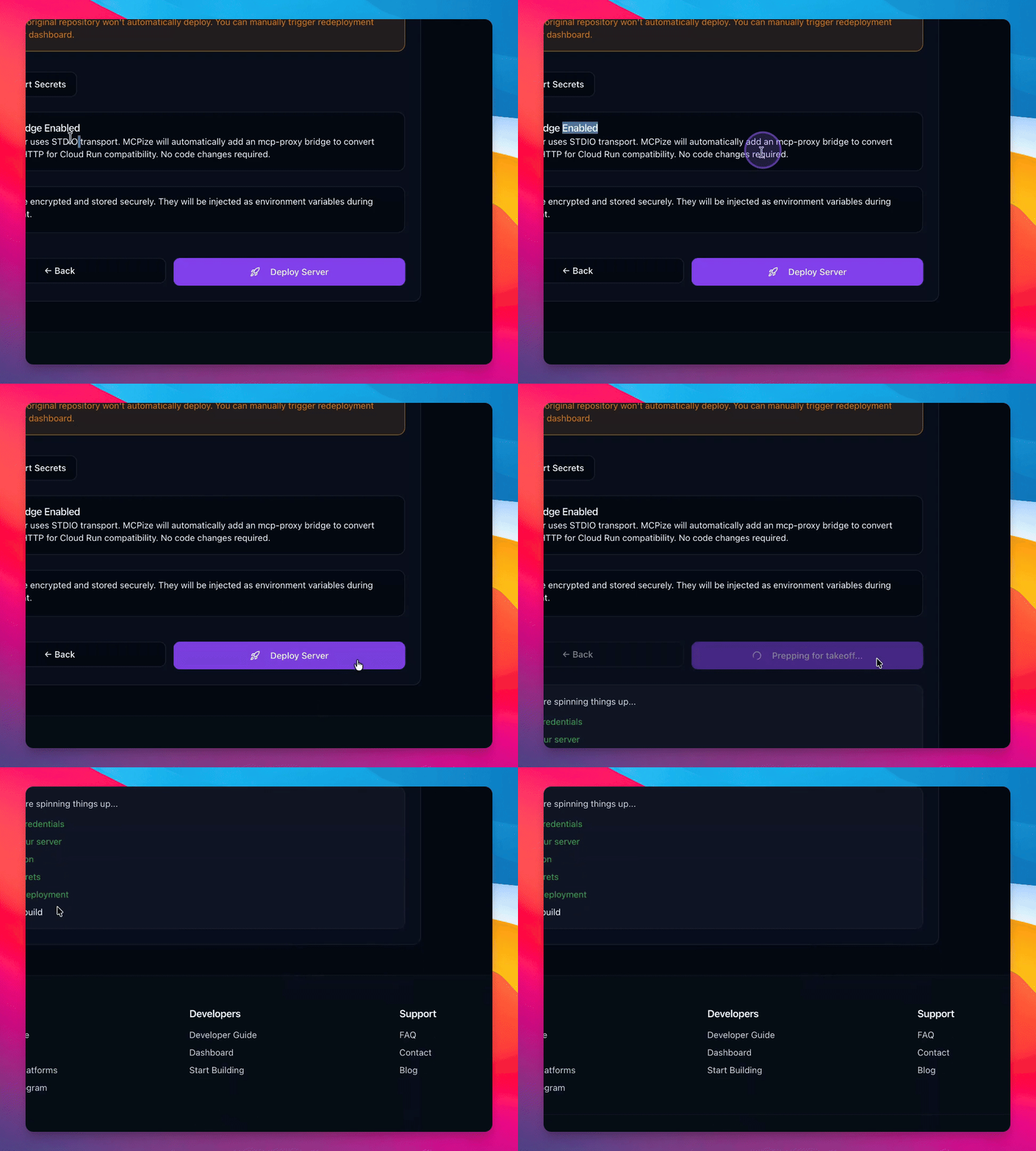
Step 6: Monitor Build Process
Observe the build process and logs to see how containers are built.
Step 7: View Deployment URL
Note the URL where your server will be available once deployment is complete.
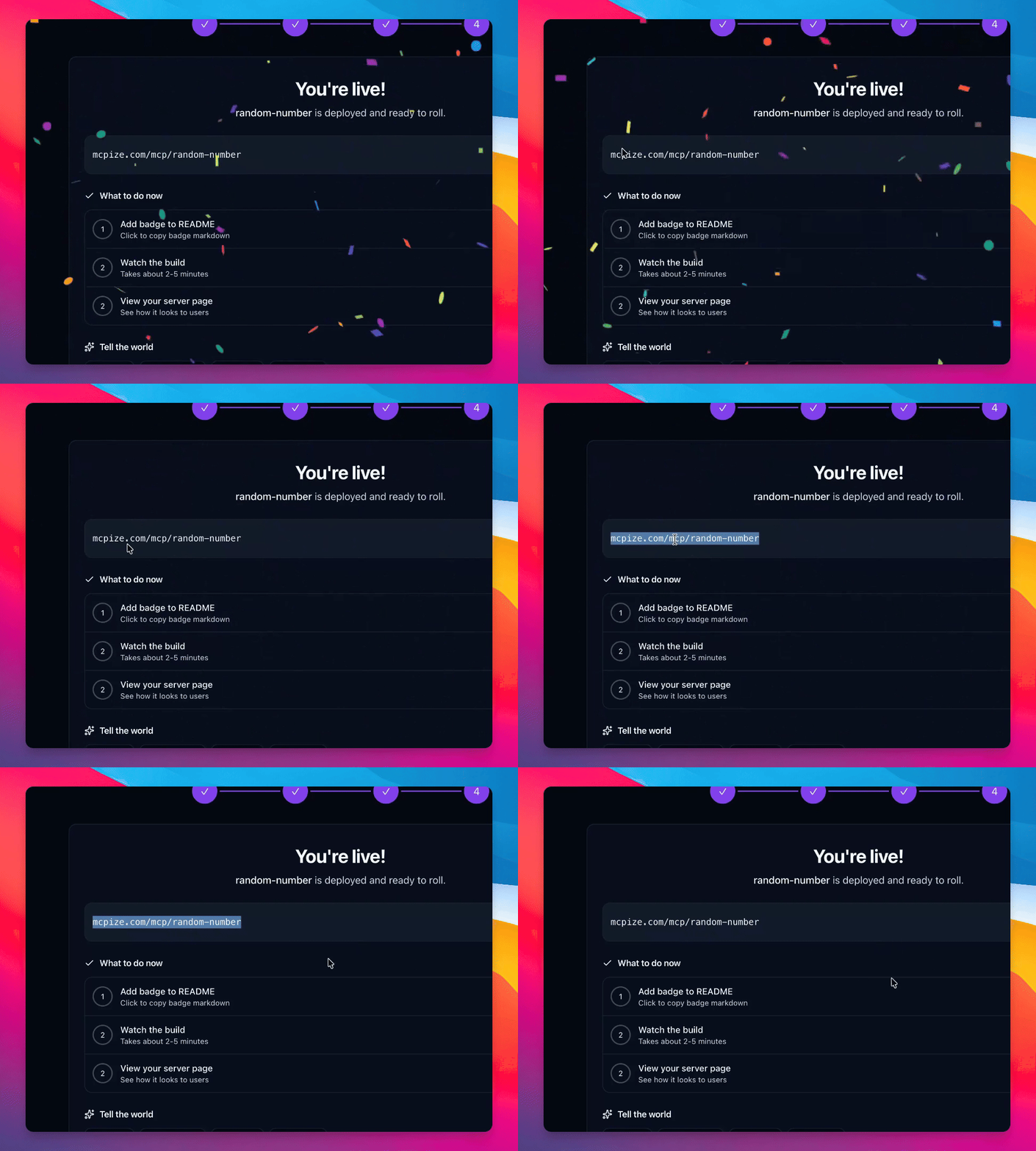
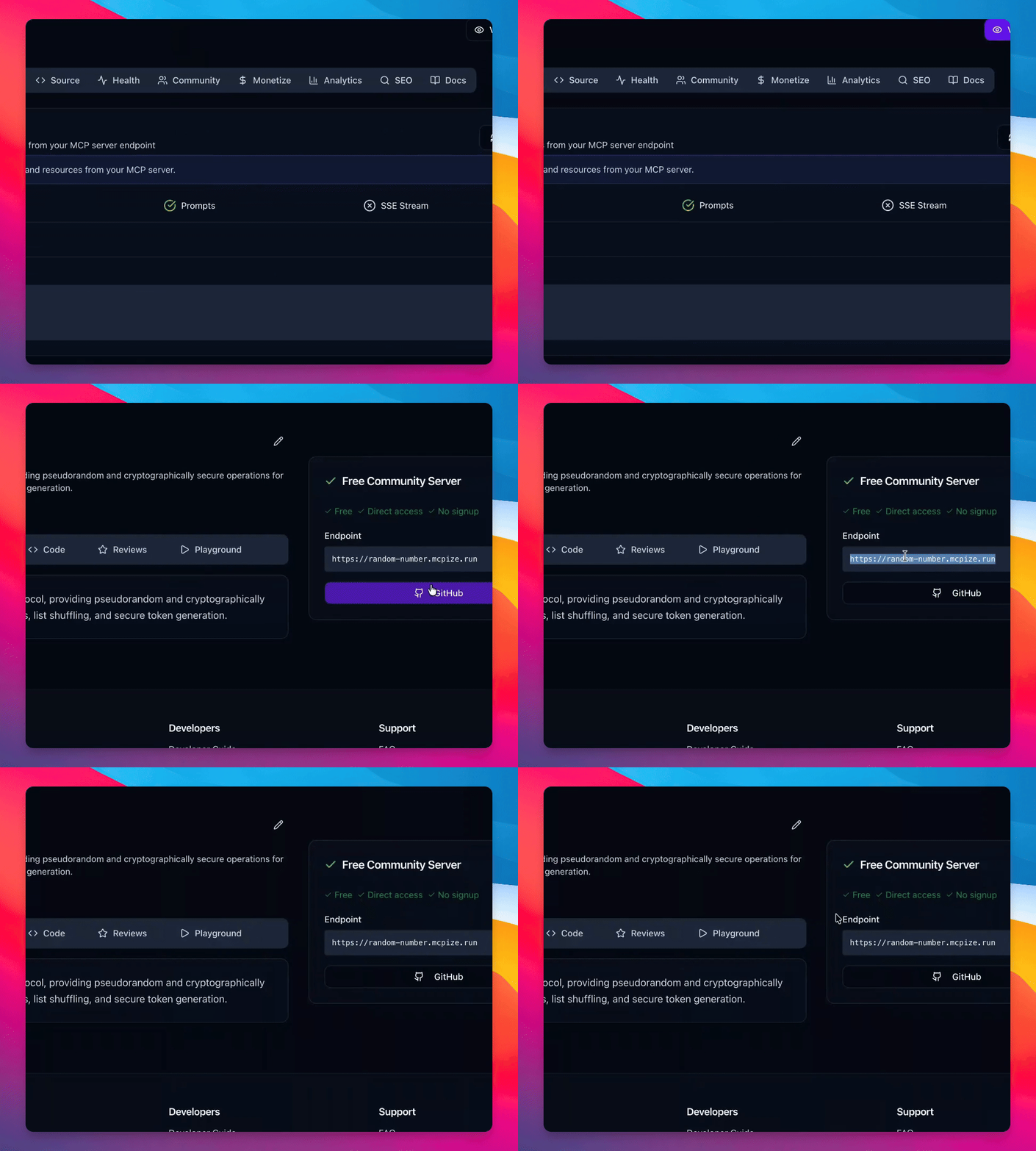
Step 8: Test Deployed Server
Access the deployed server via the provided URL to ensure it functions correctly.
Troubleshooting
Deployment fails
Check the repository link and ensure it is correctly configured.
Build process is slow
Monitor your internet connection and server status.
FAQ
What is MCP server?
MCP server is a platform to deploy GitHub repositories using the STDIO protocol.
Can I fork the repository?
Yes, forking allows you to manage the repository and connect GitHub hooks.
How do I share the deployed link?
You can share the provided URL directly or through social media.